
Deepswapp Browser
Browse your browser with another browser
A "deepswapp" of a website has data from one website in a layout of another website. The Deepswapp Browser allows users to seamlessly browse this alternative version of the Internet, today. The whole Web can look like Wikipedia, old Reddit, or your own website. Once deepswapped, the website transformation is reusable without AI.
- Single-file HTML page
- Only essential data rendered
- Synchronized tabs
- Synchronized scrolling
- No backgrounds
- No animations
- Data auto-refresh
- Image lazy loading
Process overview
A fresh deepswapp takes around 10 minutes and costs about $0.40c on deepseek-v4.1-flash. This goes down by half when deepswapping a known website.
More workflows in Taskbot...
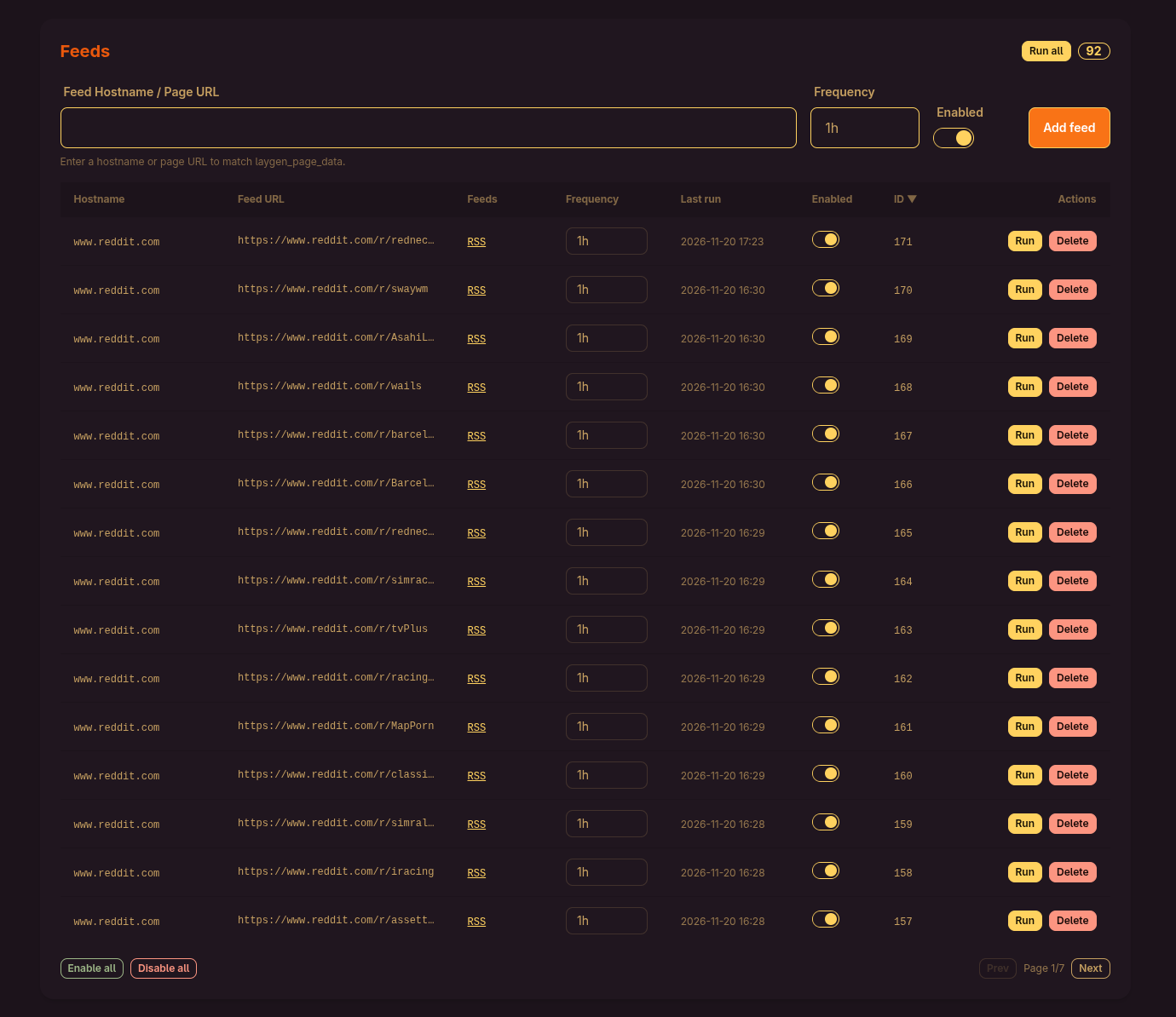
RSS from any website
If a full Deepswapp isn't needed, then extracting RSS feeds is 1/3 of the token cost. It can be resumed at any time later, and the feeds are visible in the Wizard and Gallery. All the feeds are refreshed every hour, with a full focus and scroll in the user browser. Included RSS templates include Reddit, Google Groups, GitHub Feed, and Mastodon. Need an RSS reader?
Your tabs, mirrored
Browse your tabs remotely, from another browser. Works with desktop and mobile clients - the HTML is re-sent to the 2nd browser, for both Deepswapps and user browser tabs. Navigate in any of them, or open new tabs!
A Linux desktop and an Android emulator browsing the mirrored tabs.
Your browser is the prompt
Coming Soon! Instead of prompting your browser, show it by example. Taskbot will create a state machine and maybe ask questions. You can repeat scenarios at any time with no token costs.
Taskbot Platform
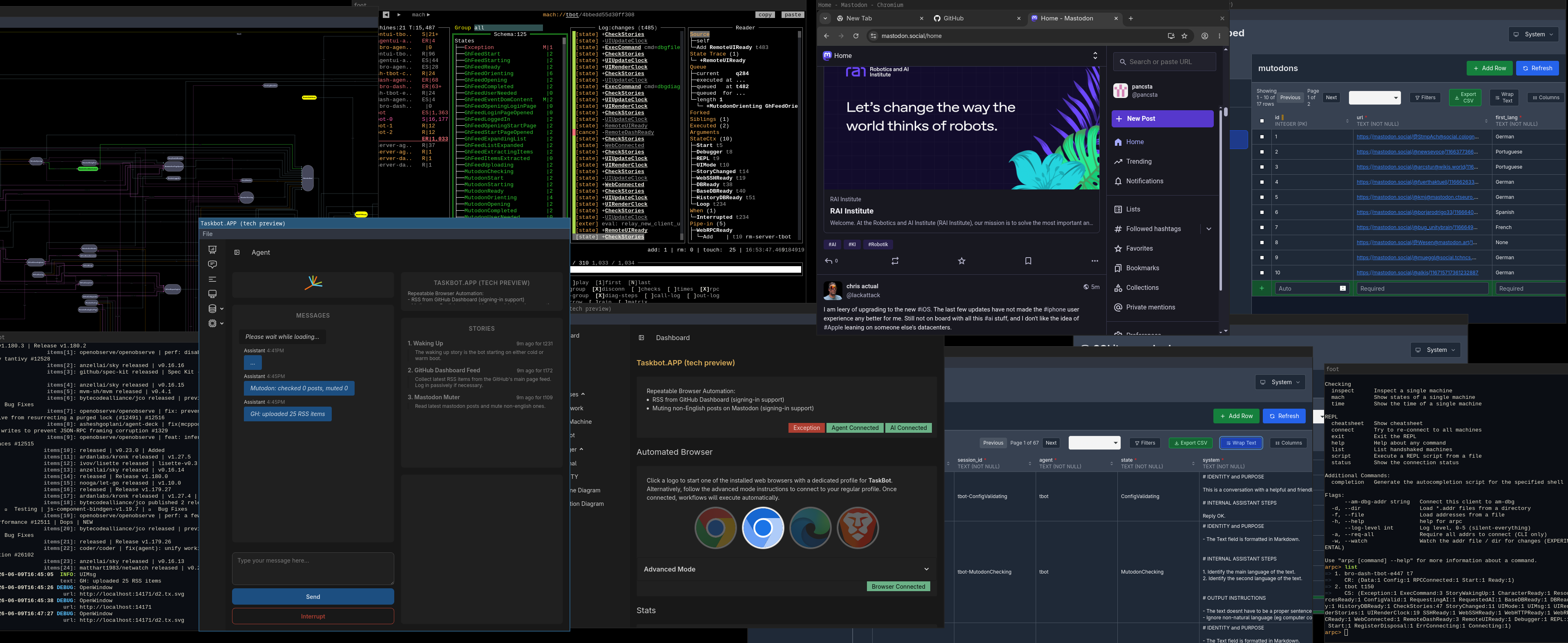
This is a tech preview of Taskbot, an AI Browser Workflows platform driven by special state machines, not AI models. Every step in the workflow can be easily traced and explained, no passwords are stored, and the user cooperates with the bot when necessary.
Components
- Dashboard
- Chat UI
- Log view
- Debugger
- State History
- SQL Database
- REPL
- TUIs
- OpenTelemetry
- Server Mode
Roadmap
- Even deeper swaps
- Better navigation and forms
- AI-generated workflows from user's behavior
- Support for Android Chrome
Tech Stack
- go.dev
- asyncmachine.dev & secai
- SQLite & sqliter
- WebAssembly & go-app.dev
- Chromium & mafredri/cdp
Installation
-
 Windows Intel (portable)
-
Windows ARM (portable)
-
 MacOS Intel (unsigned
app)
-
MacOS ARM (unsigned
app)
-
 Linux Intel
(AppImage
pacman
DEB
RPM)
-
Linux ARM
(AppImage
pacman
DEB
RPM)
-
 Docker Intel
-
Docker ARM
- Extract and run the download
- In the dashboard window, configure an AI provider
- OpenAI / Gemini / OpenAI-compatible
- Click on a browser logo to start an isolated instance
- Deepswapp Browser window will start automatically
- Enable other workflows from the Agent UI
- Optional - edit your taskbot.kdl config
- Configure AI providers
- Configure the Deepswapping process
- Set up the Mutodon workflow
Enjoy deepswapping! You're welcome to reach out to contact@blogic.tech and sales@blogic.tech.